Search Gas Turbine Power for Data Center Publications search was updated real-time via Filemaker on:
Page | 005 APPENDIX K 941
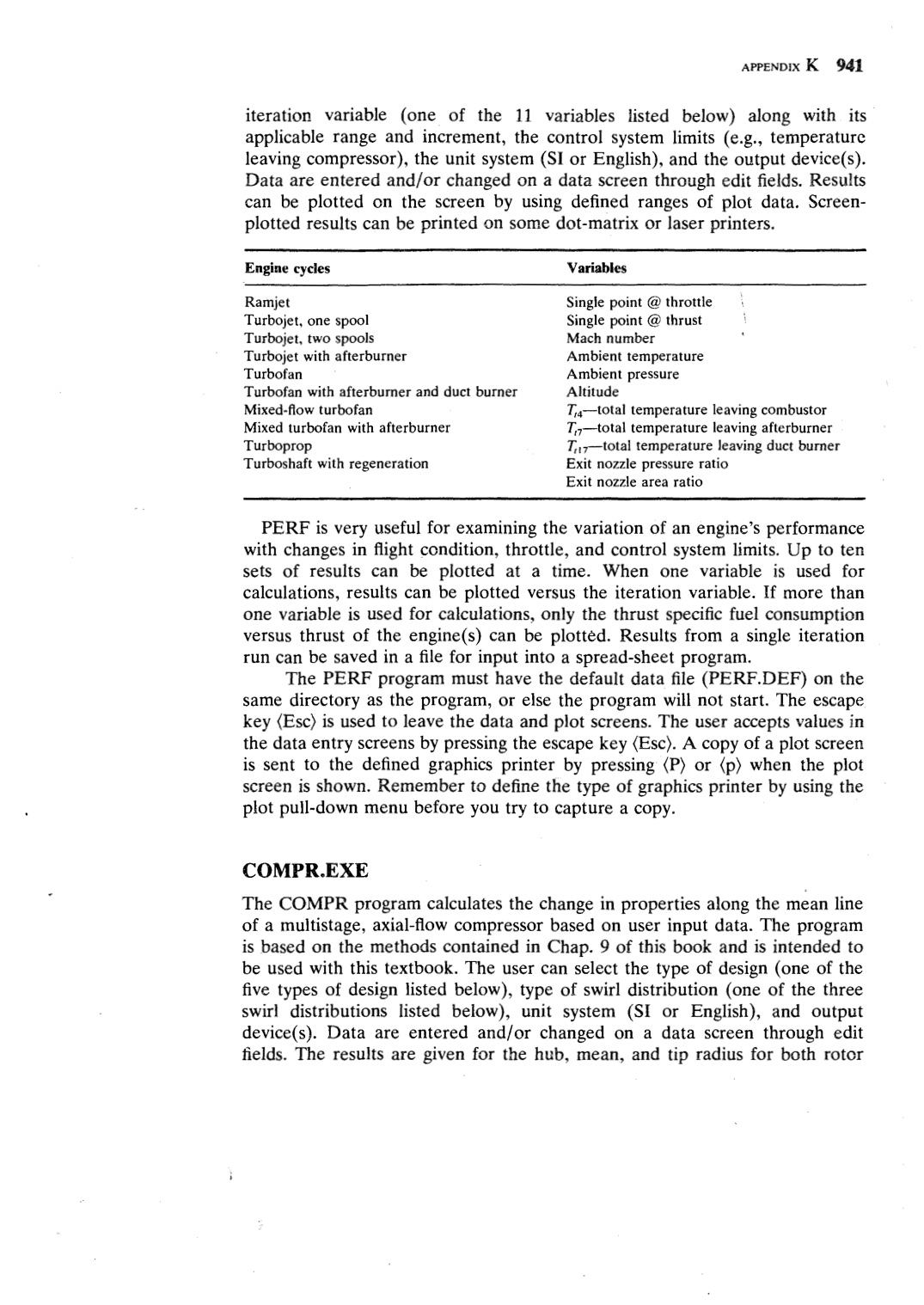
iteration variable (one of the 11 variables listed below) along with its
applicable range and increment, the control system limits ( e.g., temperature
leaving compressor), the unit system (SI or English), and the output device(s).
Data are entered and/or changed on a data screen through edit fields. Results
can be plotted on the screen by using defined ranges of plot data. Screen-
plotted results can be printed on some dot-matrix or laser printers.
Engine cycles
Variables
Ramjet
Turbojet, one spool
Turbojet, two spools
Turbojet with afterburner
Turbofan
Turbofan with afterburner and duct burner
Mixed-flow turbofan
Mixed turbofan with afterburner
Turboprop
Turboshaft with regeneration
Single point @ throttle
Single point @ thrust
Mach number
Ambient temperature
Ambient pressure
Altitude
T,4-total temperature leaving combustor
T,7-total temperature leaving afterburner
T, 17-total temperature leaving duct burner
Exit nozzle pressure ratio
Exit nozzle area ratio
PERF is very useful for examining the variation of an engine's performance
with changes in flight condition, throttle, and control system limits. Up to ten
sets of results can be plotted at a time. When one variable is used for
calculations, results can be plotted versus the iteration variable. If more than
one variable is used for calculations, only the thrust specific fuel consumption
versus thrust of the engine(s) can be plotted. Results from a single iteration
run can be saved in a file for input into a spread-sheet program.
The PERF program must have the default data file (PERF.DEF) on the
same directory as the program, or else the program will not start. The escape
key (Esc) is used to leave the data and plot screens. The user accepts values in
the data entry screens by pressing the escape key (Esc). A copy of a plot screen
is sent to the defined graphics printer by pressing (P) or (p) when the plot
screen is shown. Remember to define the type of graphics printer by using the
plot pull-down menu before you try to capture a copy.
COMPR.EXE
The COMPR program calculates the change in properties along the mean line
of a multistage, axial-flow compressor based on user input data. The program
is based on the methods contained in Chap. 9 of this book and is intended to
be used with this textbook. The user can select the type of design ( one of the
five types of design listed below), type of swirl distribution (one of the three
swirl distributions listed below), unit system (SI or English), and output
device(s). Data are entered and/or changed on a data screen through edit
fields. The results are given for the hub, mean, and tip radius for both rotor |
